

Submit Your First Transaction
1
Open the Playground
OPEN PLAYGROUND
2
Transfer HBAR transaction
Under the Account & HBAR native services, click the Transfer HBAR transaction from the left navigation
- Replace
receiverAccountwith account ID “0.0.800” - Then click on Get Account Balance under Queries
3
Execute transaction
Click the Execute button to submit your first transaction.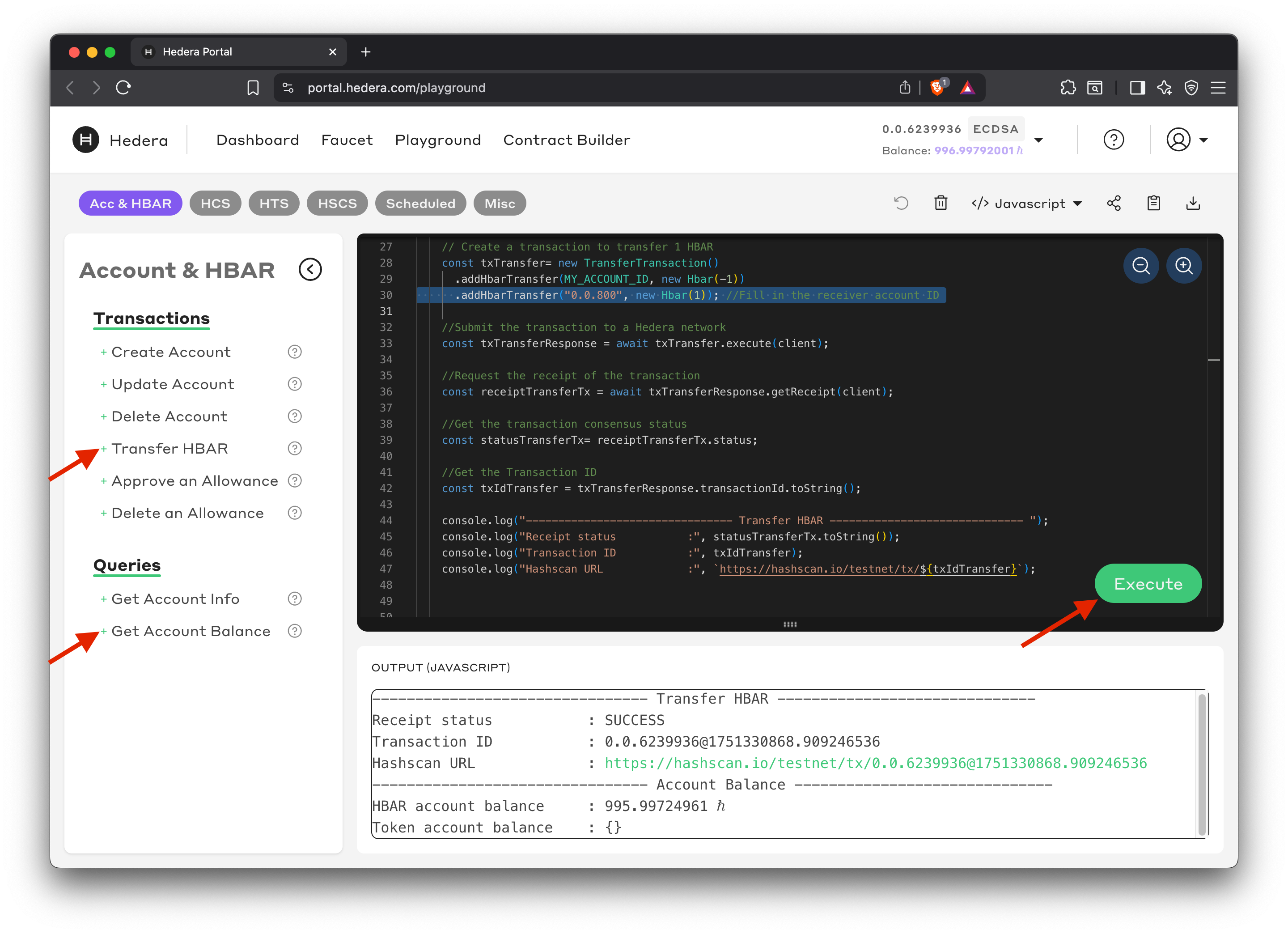
4
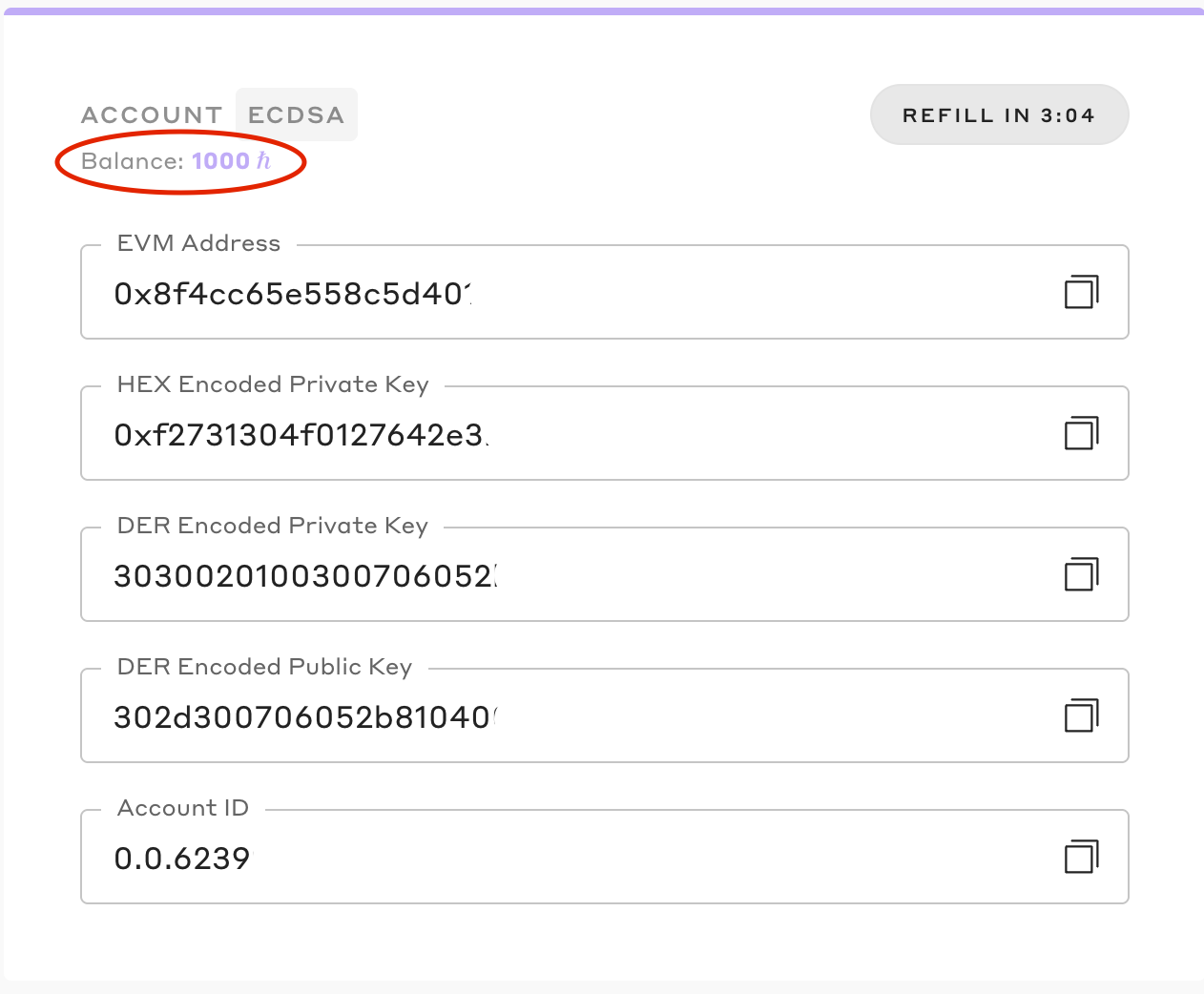
Create a Hedera testnet account
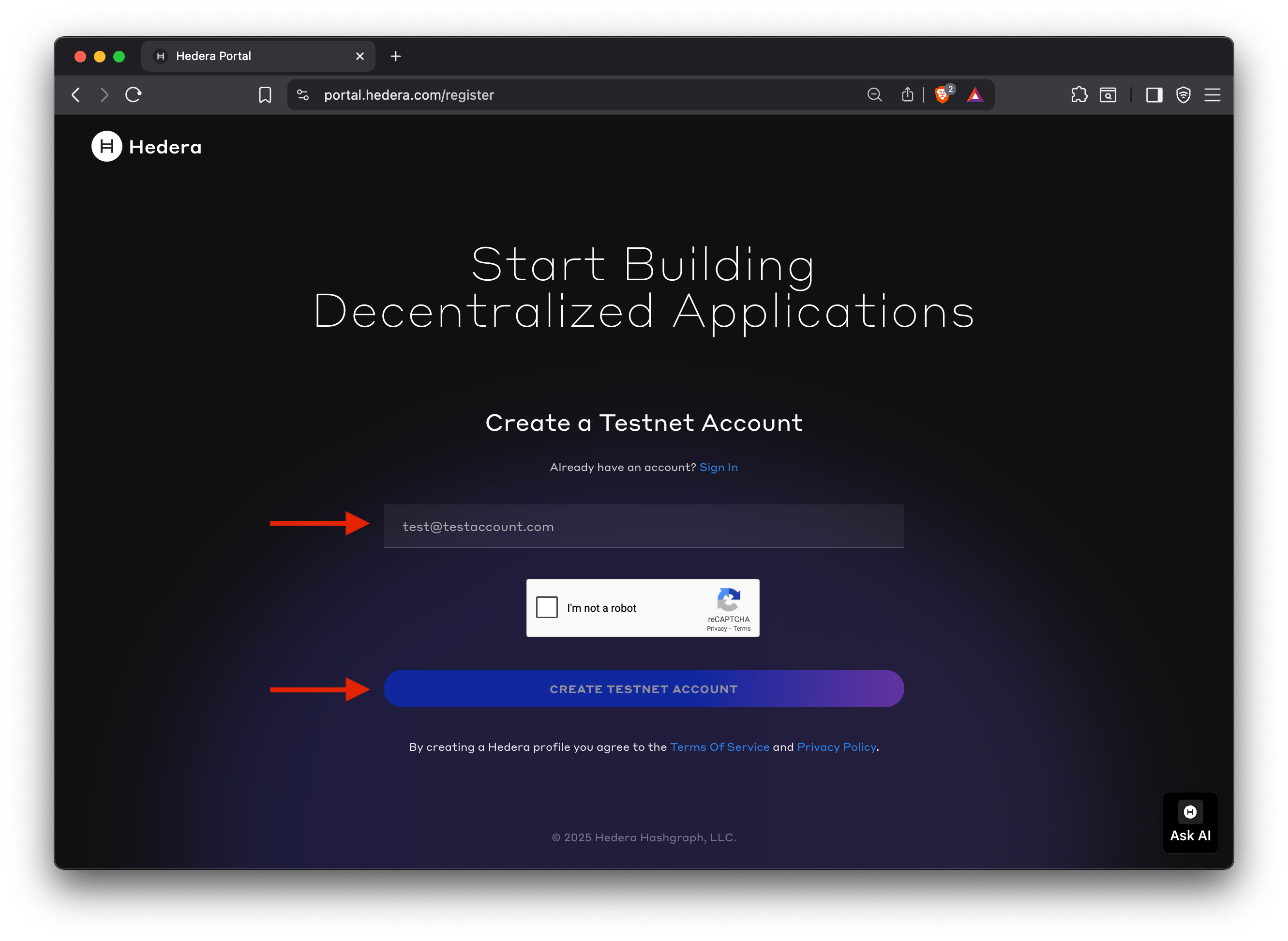
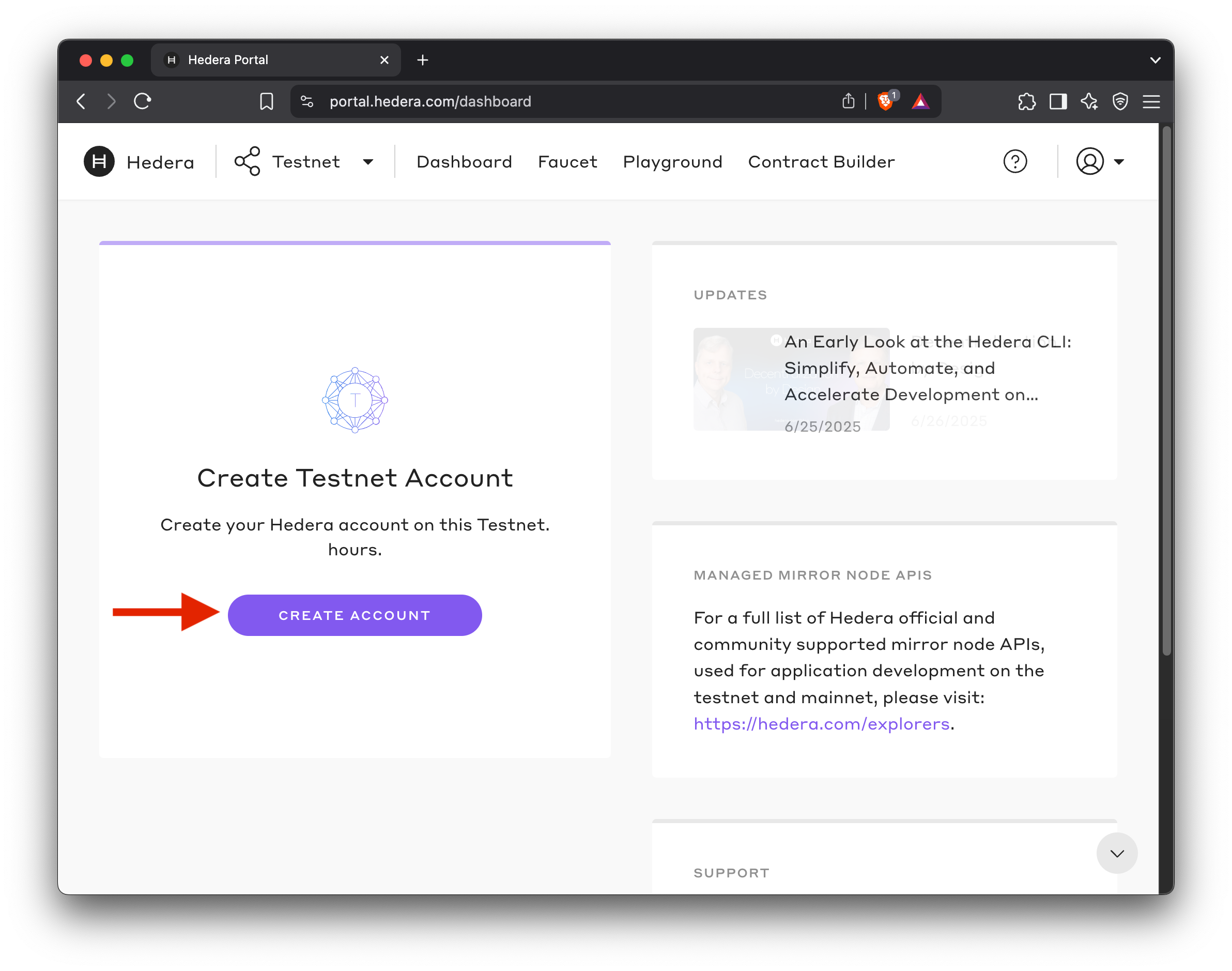
When you click Execute, you’ll be prompted to sign up for a developer portal account. Once logged in, click the CREATE ACCOUNT button to complete the testnet account creation flow.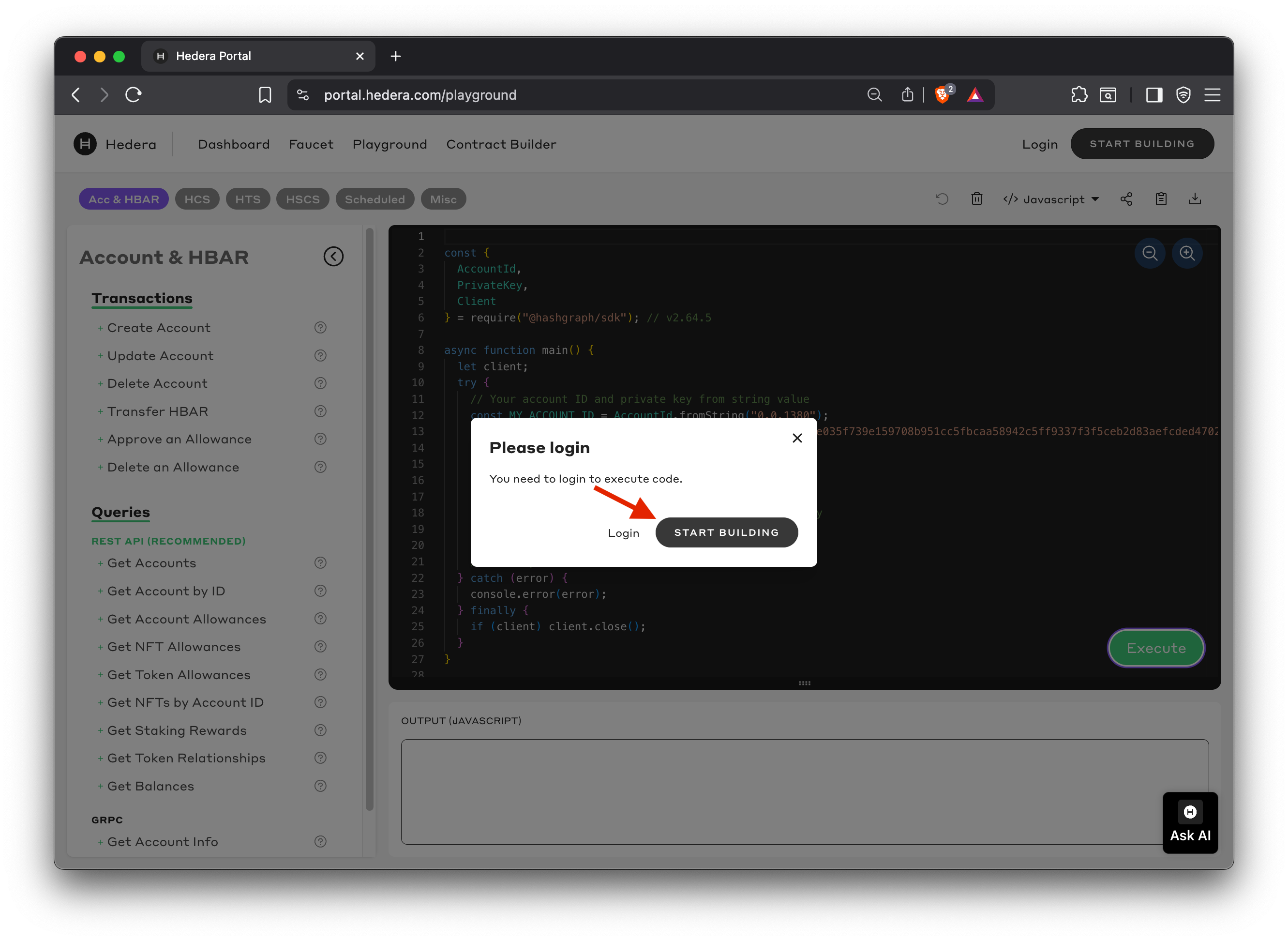
5
View the transaction on HashScan
View and verify the transaction details and success confirmation. Click the HashScan link from the transaction output on the playground. View your transaction details, account history, and network activity.